
obsidianCaptureTool
khooweishawn
# Obsidian Capture Tool - Chrome Extension Allows you to quickly capture notes from the Chrome browser and save them to your local as a .md file You can save this to your Obsidian Vault and it will show up there right away - I've done this by saving the files to my Google Drive Obsidian Vault ## How to Use it - Load the `build` file into the Chrome extensions management - Pin it to your Chrome bar - When firing it up: the title will auto-populate with your current URL 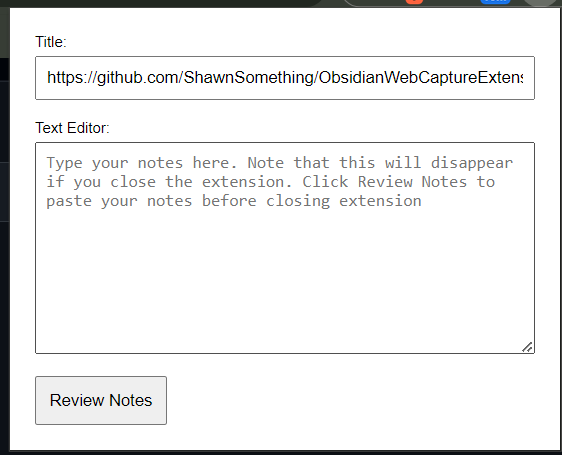 - Add notes as needed - Click on Review Notes to open up a new web page - Save it to the file of your choice - Notes persists when the extension is closed and opened, so manually clear them out when ready ## Shortcomings (might be addressed in the future) - Chrome does not let us download files directly from the extension, so would need to open it up on another web page ## Privacy Policy This extension will not obtain, use or distribute any information from the user


